 Global Services
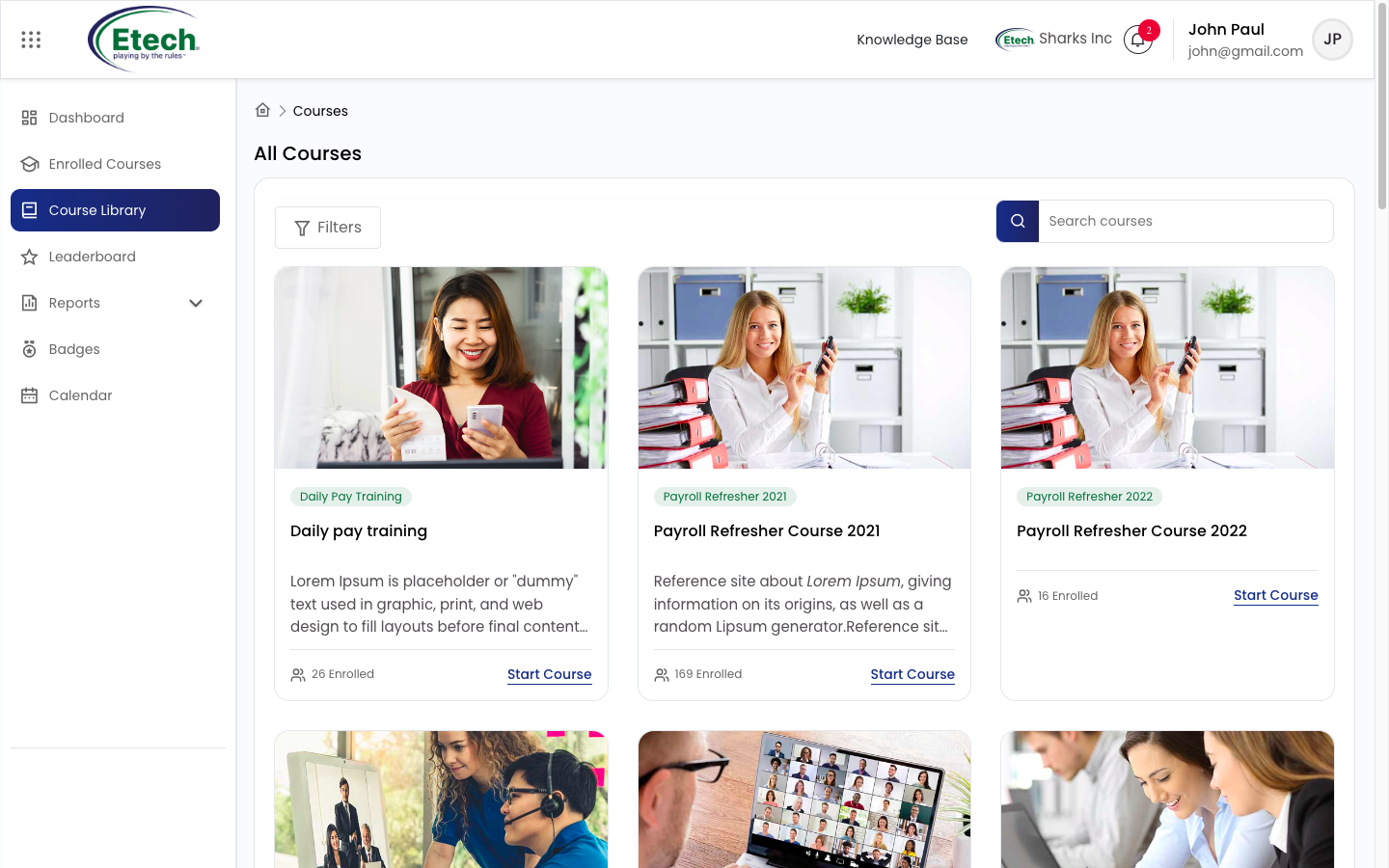
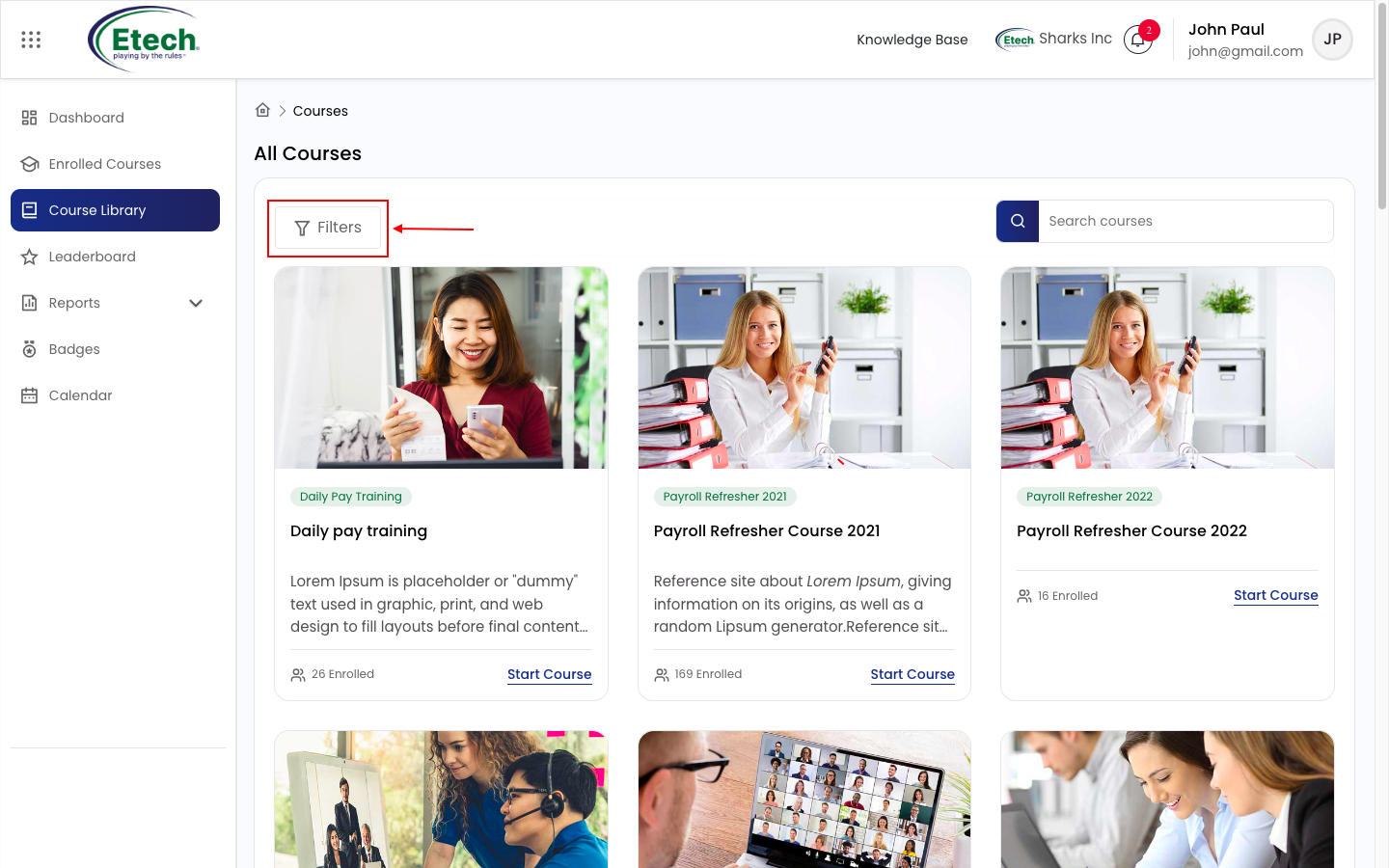
 The Course Library in EtechRU is a centralised catalog where users can explore, filter, and enroll in available training courses. It enables self-paced learning by allowing users to browse content, review course details, and start courses seamlessly.
Accessing the Course Library
To access the Course Library:
- Navigate to the left-side menu
- Click on Course Library
- You will be redirected to the All Courses page
Browsing Courses
- The Course Library displays courses in a card-based layout
- Each course card includes:
- Course title
- Category/tag
- Short description
- Enrollment count
- Start Course / View option option
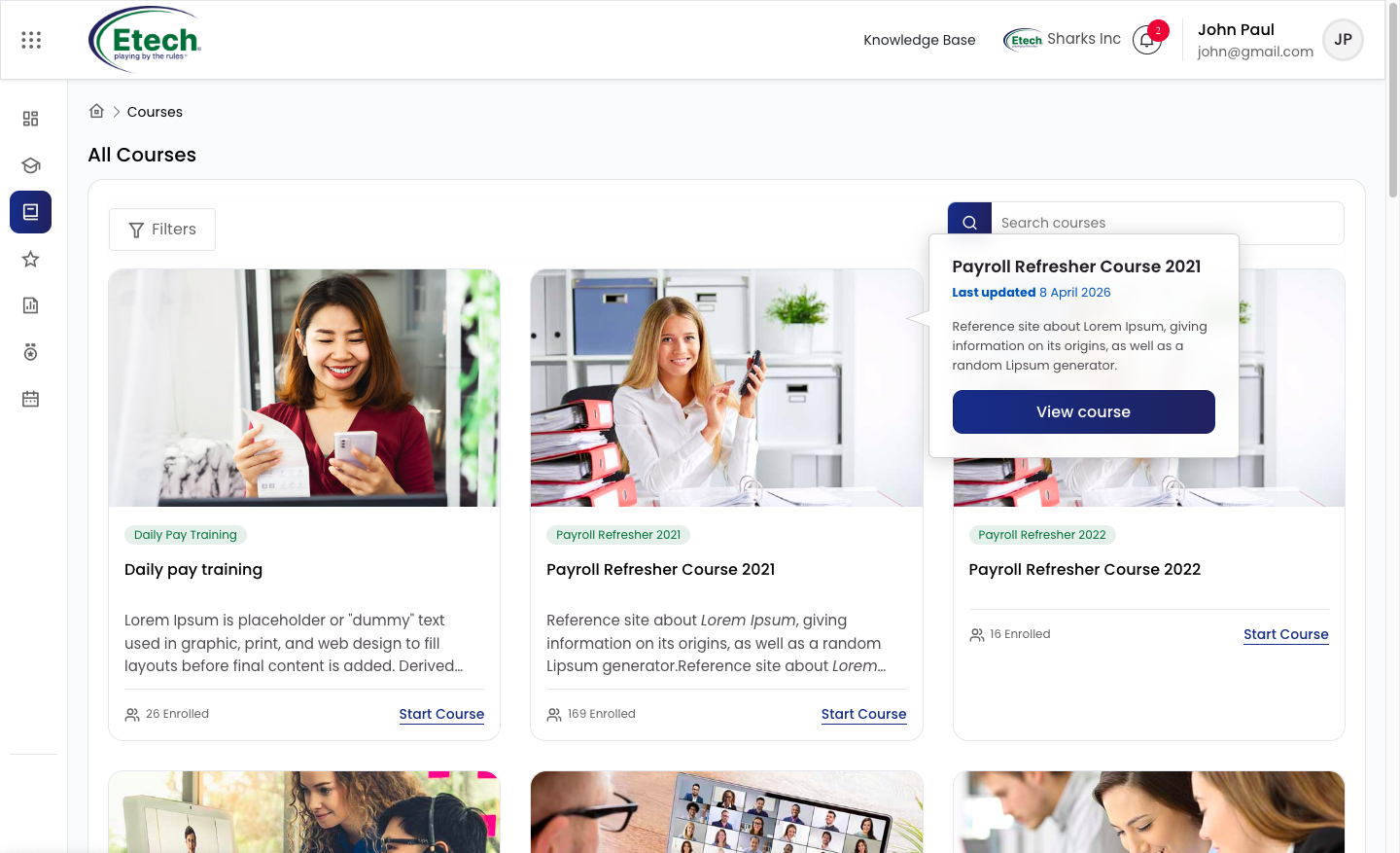
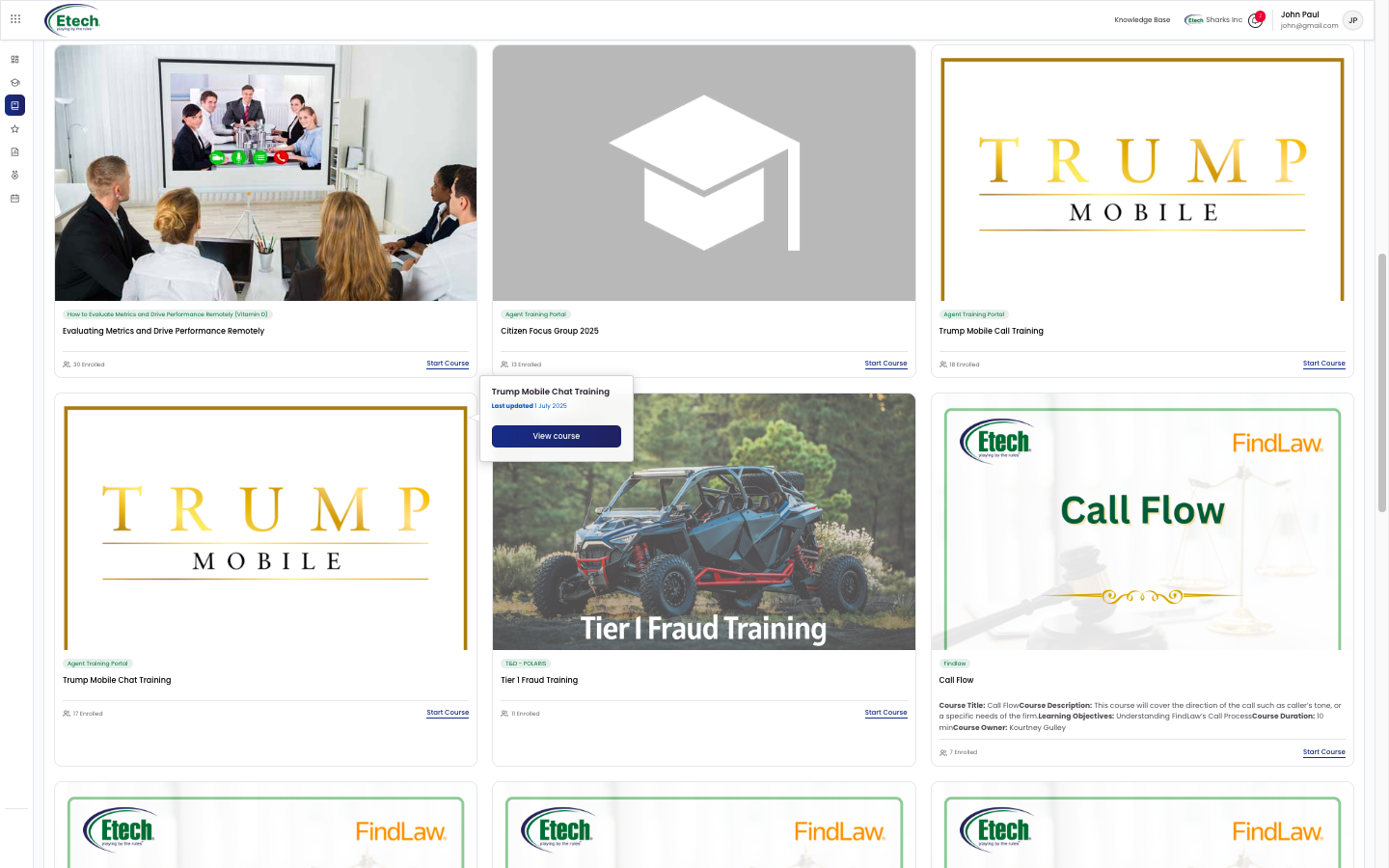
Users can scroll through the page to explore all available courses.
Search and Filter Options
To quickly find relevant courses:
Search
- Use the search bar (top-right corner)
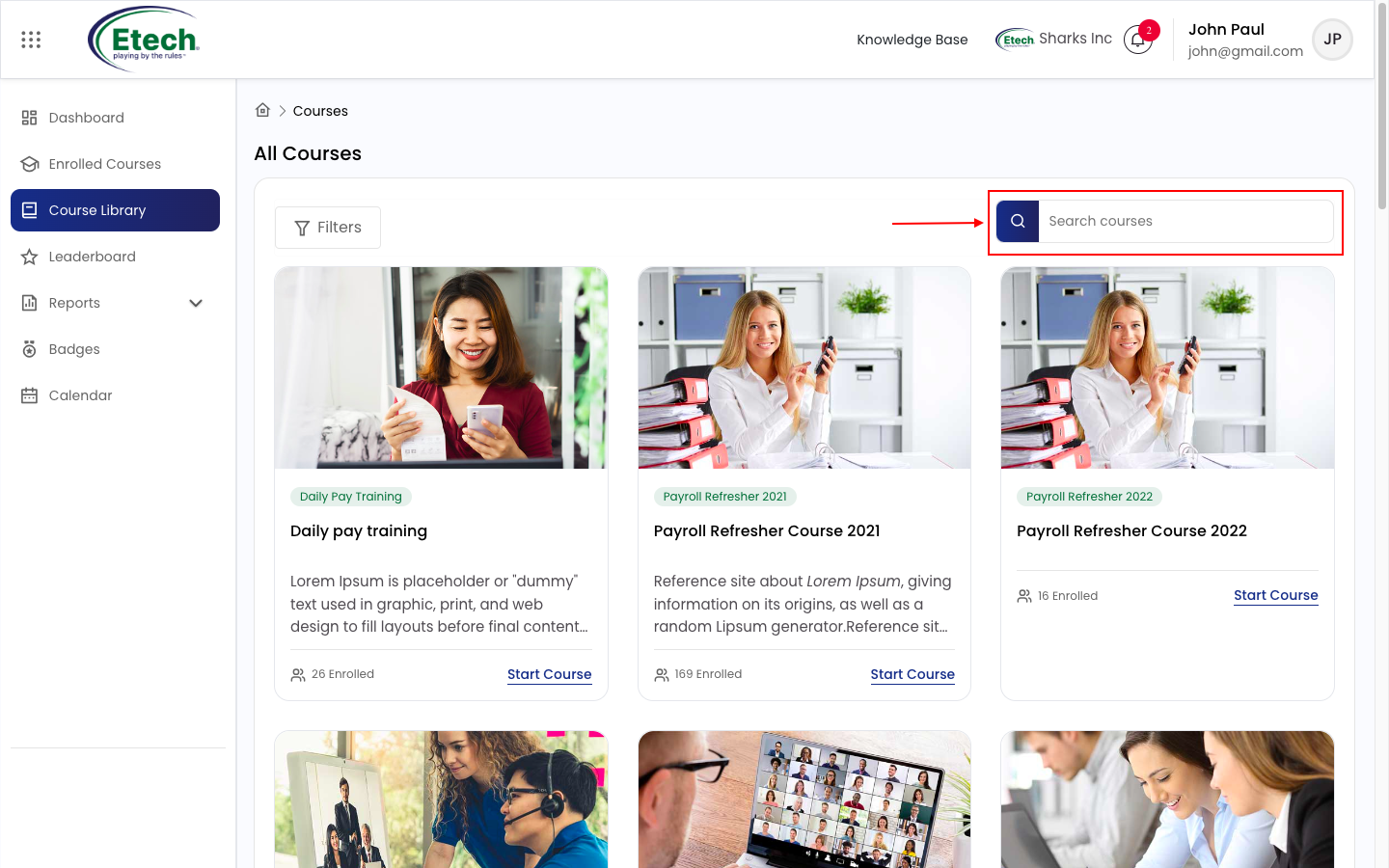
- Enter keywords related to course name or topic
Filters
- Click on the Filters button
- Filter courses by:
- Course Categories
- Instructors
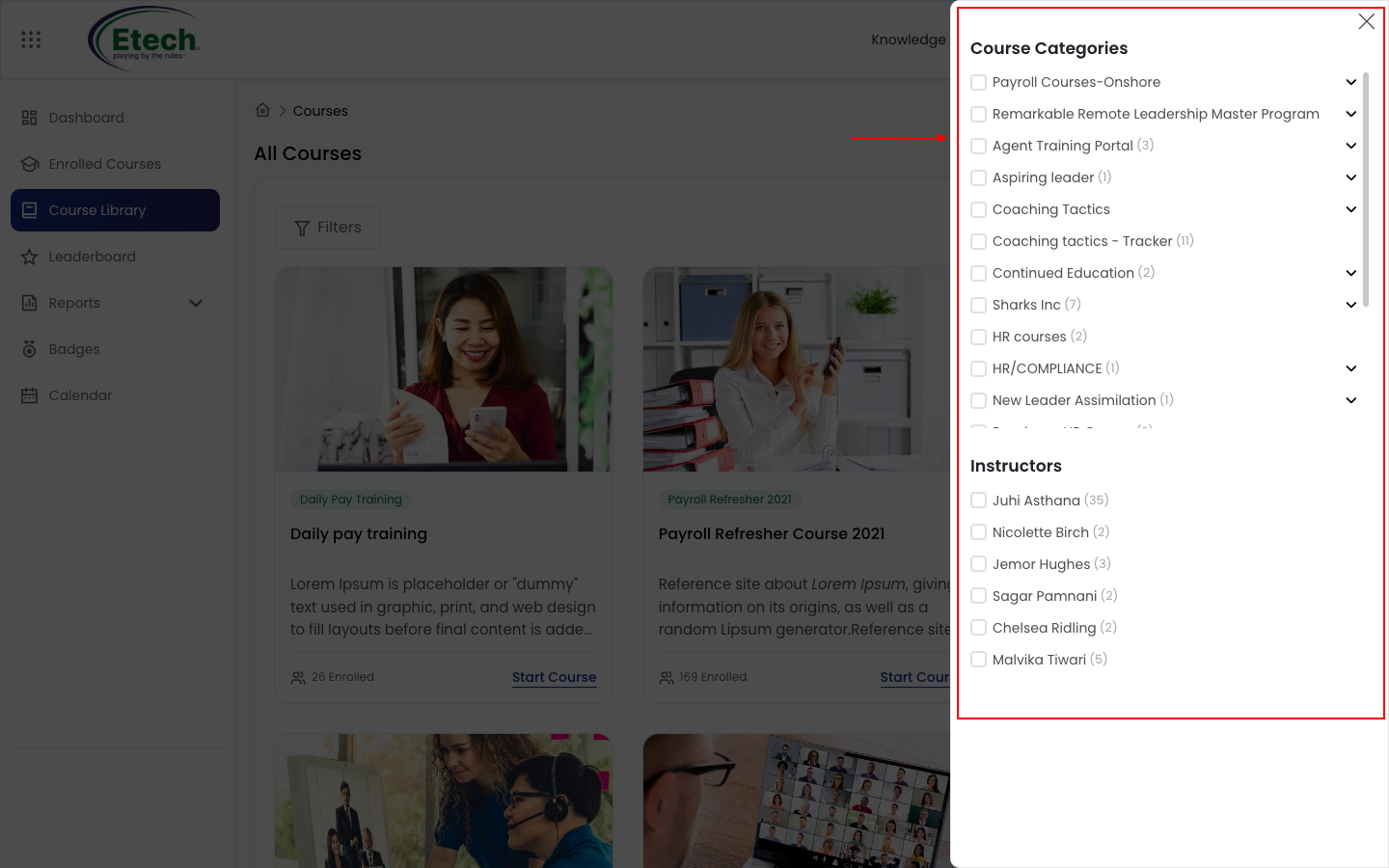
This helps narrow down courses based on your learning needs.
Viewing Course Details
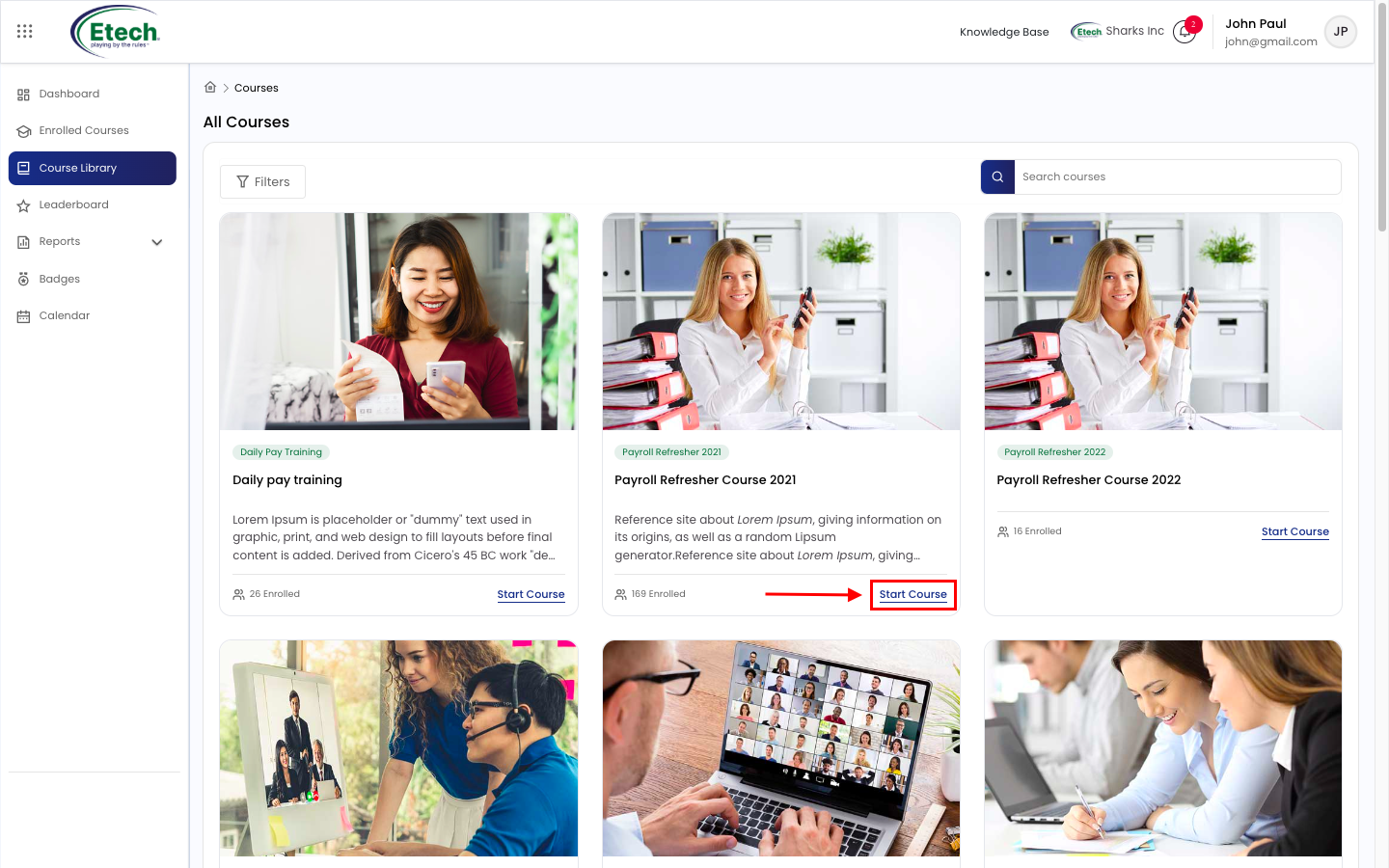
Click on Start Course / View Course button on any course card to open the Course Details page.
Tabs Available
- Overview – Course summary and description
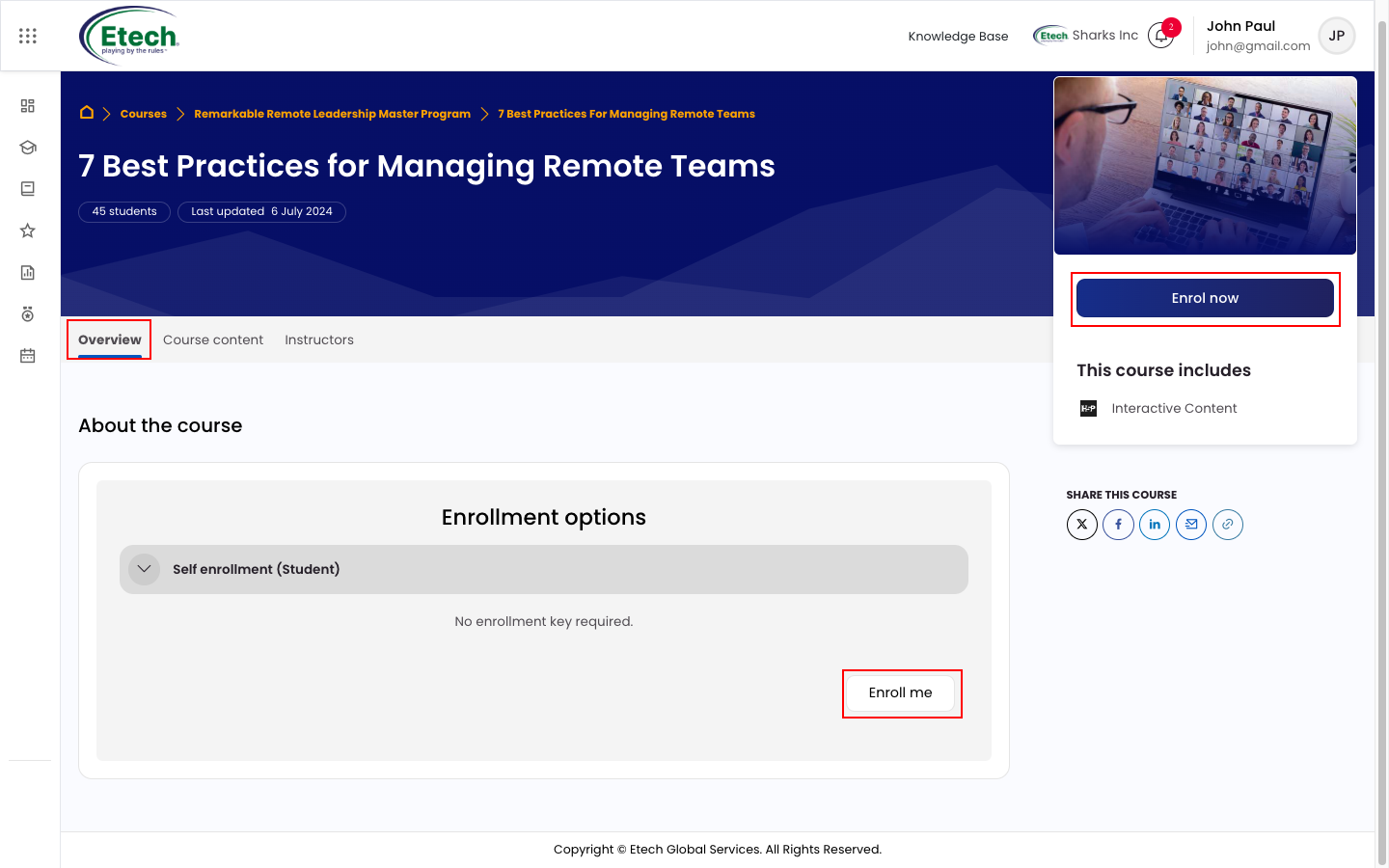
- Course Content – Modules and learning materials
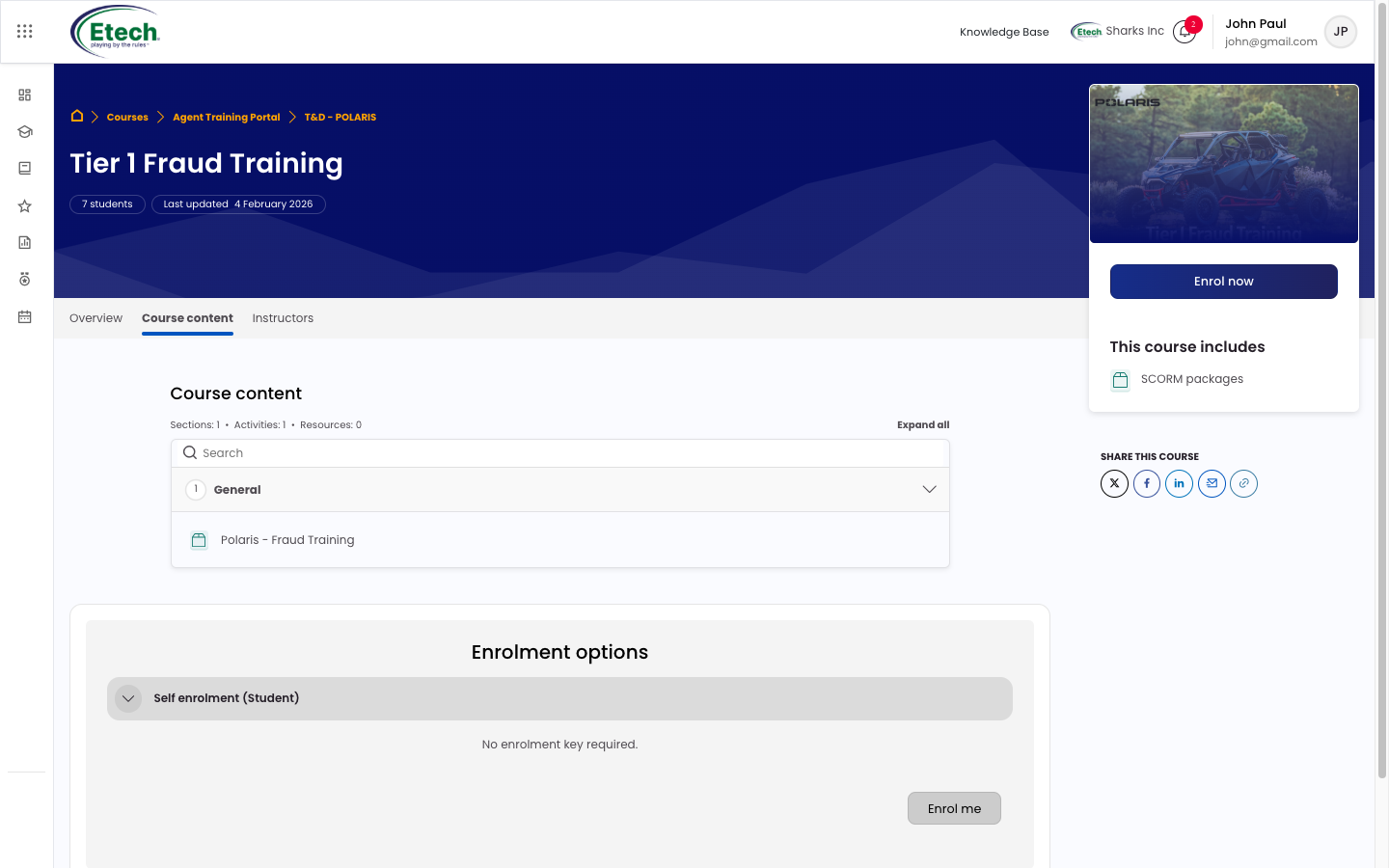
- Instructors – Instructor details
Course Information Includes
- Last updated date
- Number of learners enrolled
- Course structure and content type
Enrolling in a Course
To enroll in a course:
- Open the course detail page
- Click on Enroll now / Enroll me
Note: Self-enrollment is only available if enabled for the course.
Starting and Accessing the Course
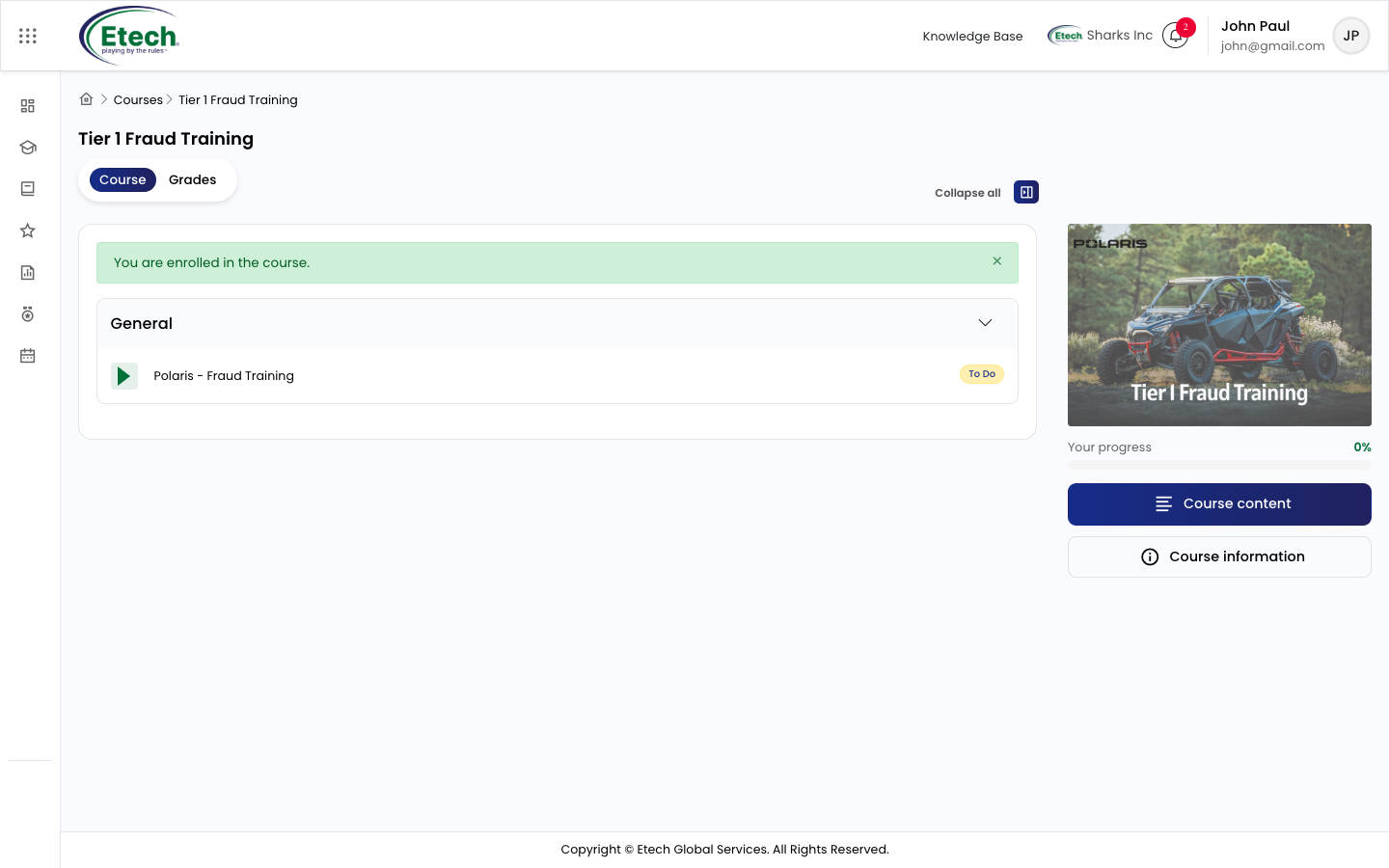
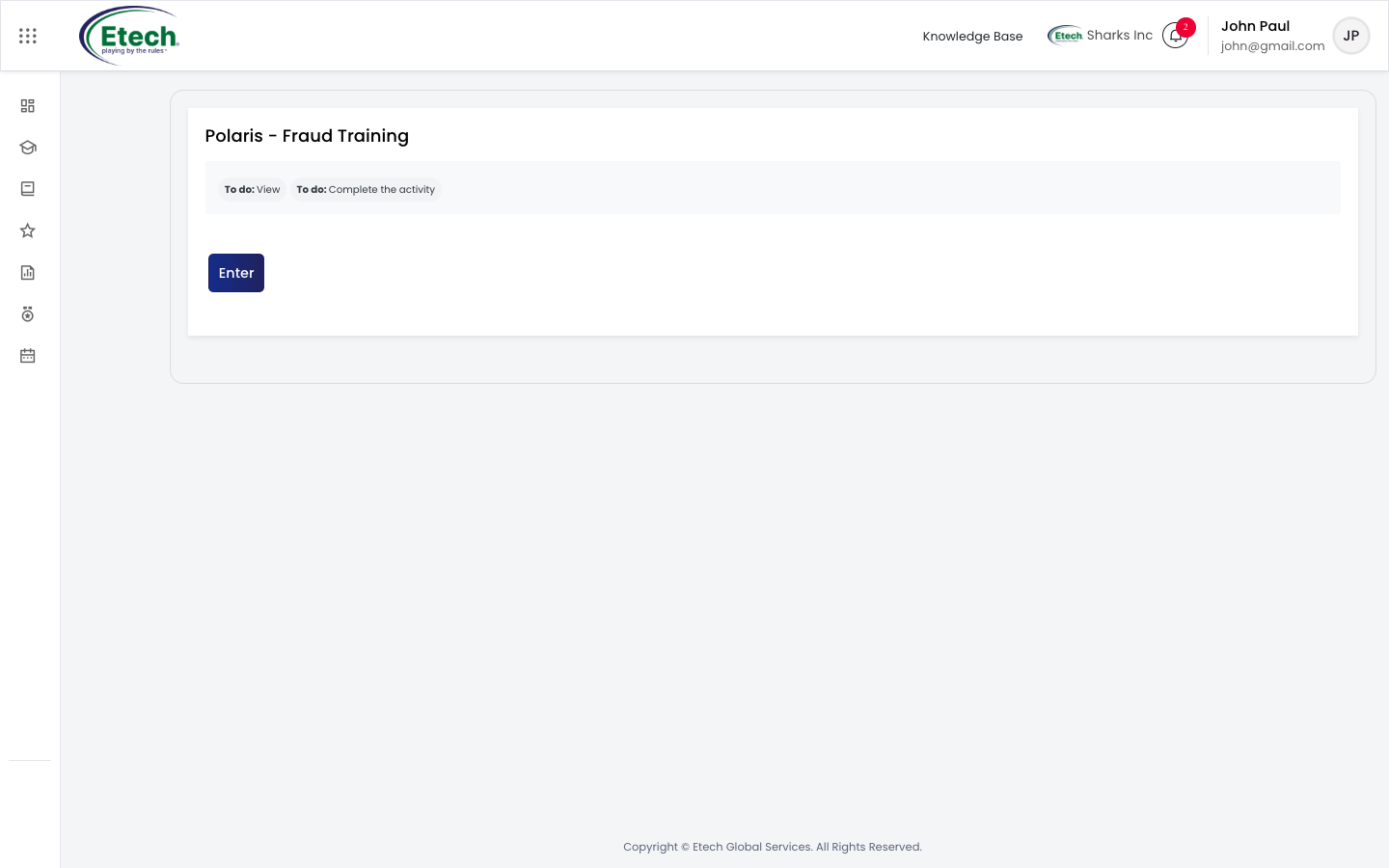
- SCORM or learning content opens in a new tab
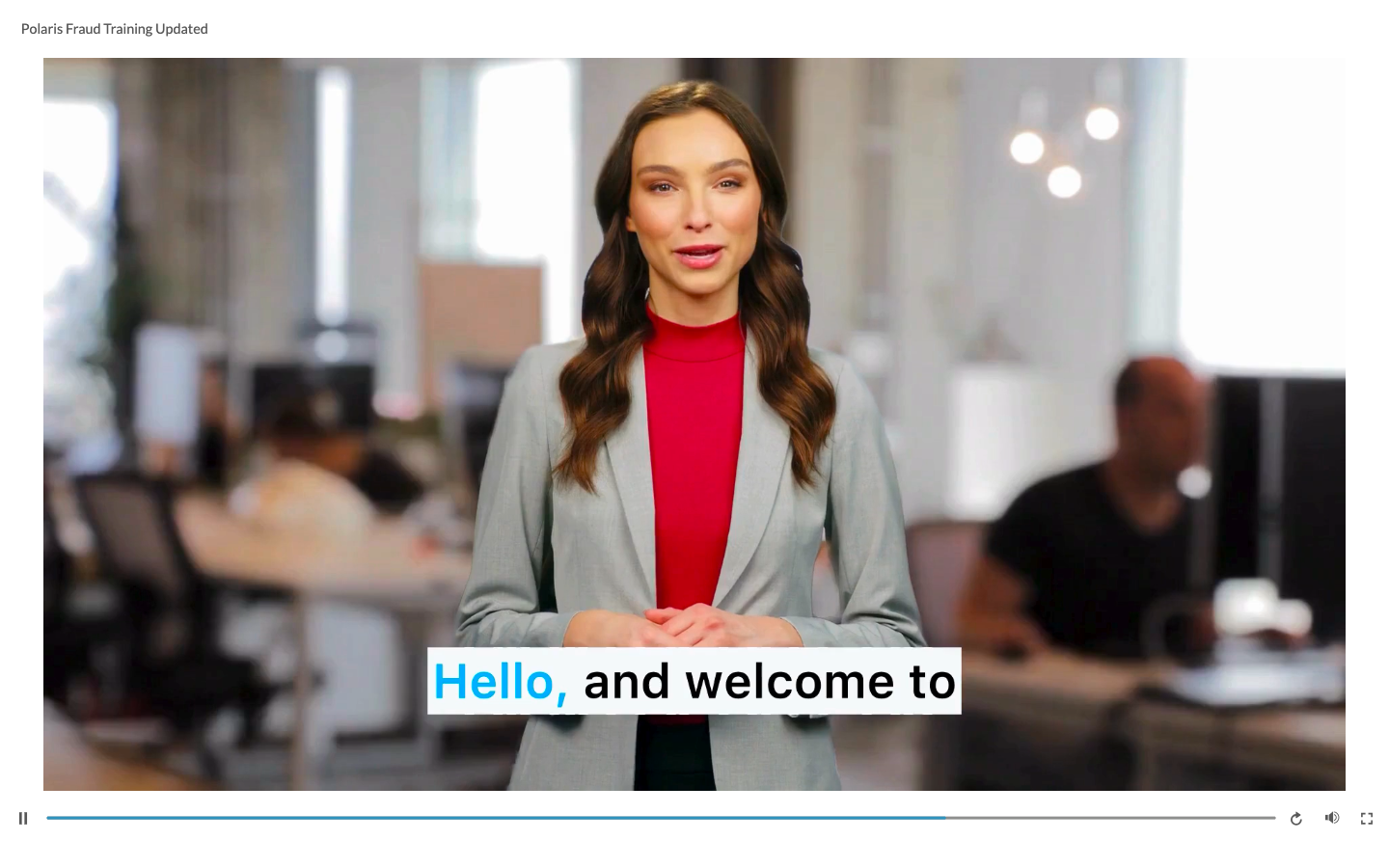
- Follow on-screen instructions to complete the module
Grades and Reports
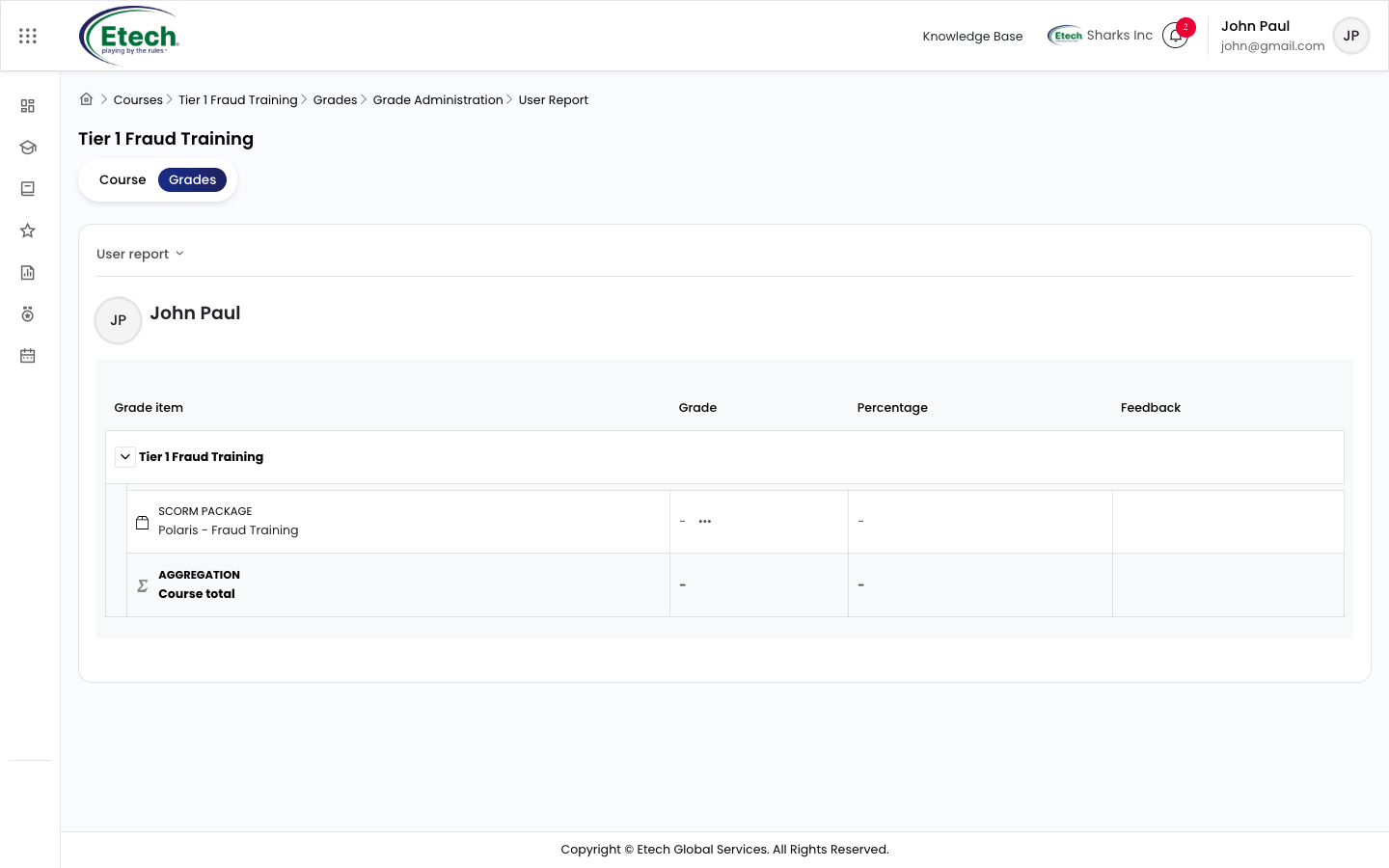
- Navigate to the Grades tab within the course as shown below
Tracking Progress
- View your course progress percentage
- Track completed and pending sections
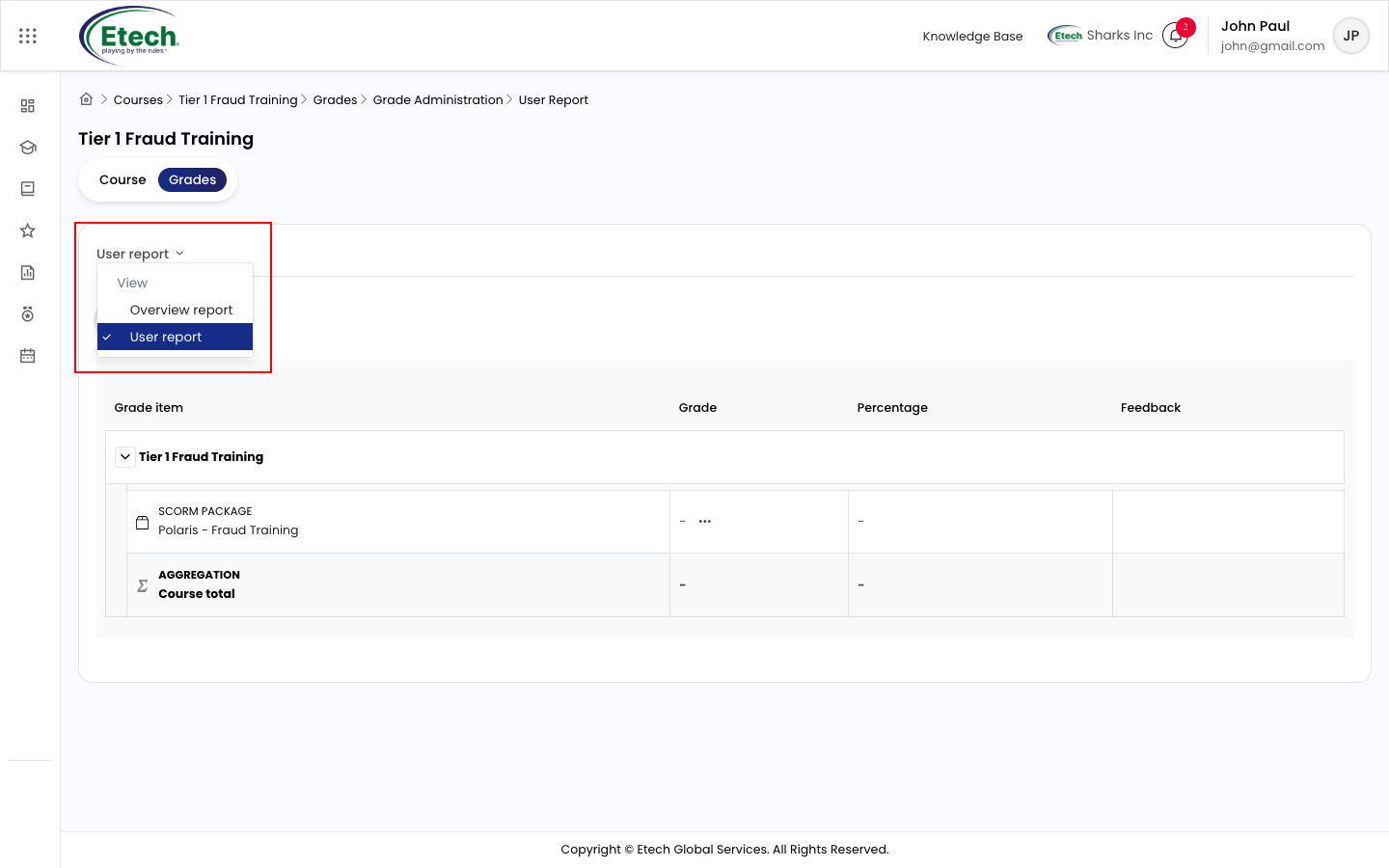
- Access grades and reports like Overview report using the dropdown as highlighted below.
Key Features Summary
- Easy course discovery through search and filters
- Self-enrollment capability
- Structured learning via course modules
- SCORM-based interactive learning
- Progress and performance tracking
Best Practices
- Use filters to quickly find relevant courses
- Review course overview before enrolling
- Complete modules sequentially for better understanding
- Regularly check progress and grades

Video