 Global Services
 The Calendar keeps you informed and organised throughout your learning journey. It provides a centralized view of all upcoming training sessions, course deadlines, organisational events, and important announcements — so you never miss a critical activity.
How to Use the Calendar:
- Click Calendar from the left navigation menu.
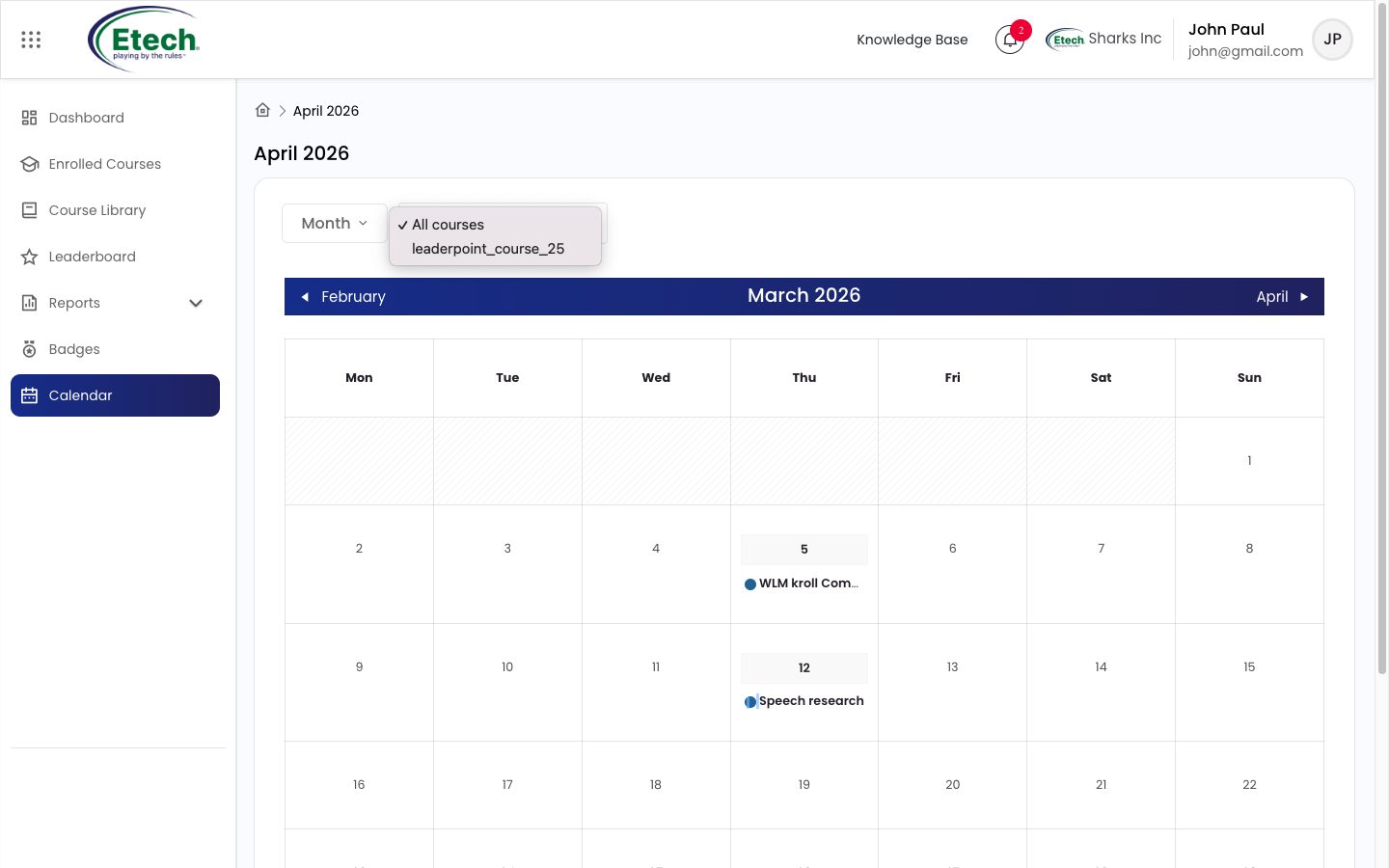
- Browse upcoming events listed by date.
- Use the month navigation arrows to view future or past events.
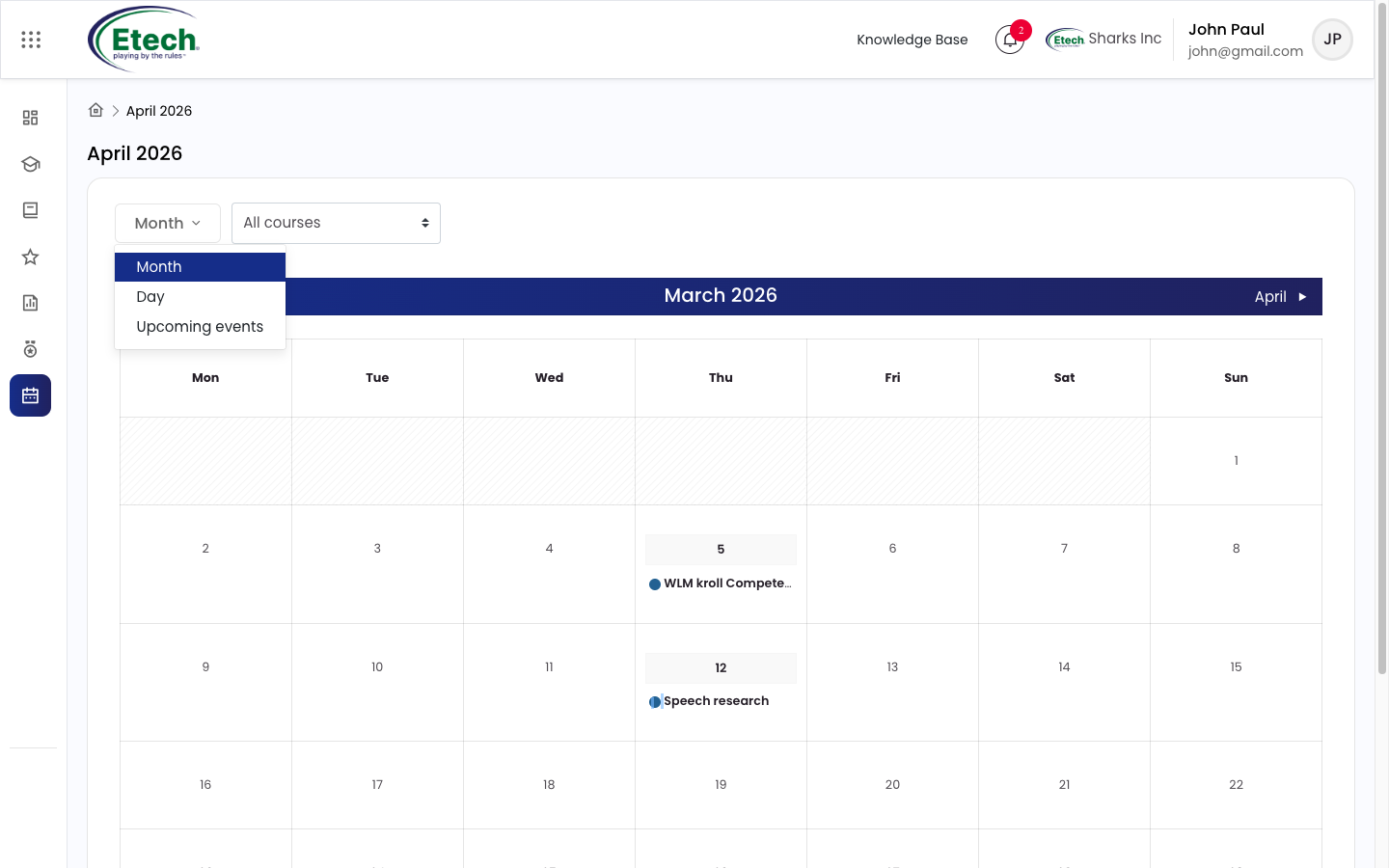
- Click on any event for full details including session time, location, and registration information.
Types of Events Displayed:
- Training Sessions : Scheduled live or virtual learning sessions.
- Deadlines : Important course or assignment due dates.
- Organizational Events : Company-wide activities and announcements.
Tip: Check your Calendar regularly to stay ahead of upcoming sessions and ensure you never miss a registration deadline.

Video