 Global Services
 Completion report by course provides a summary of completion status organised by course for all courses assigned to a company.
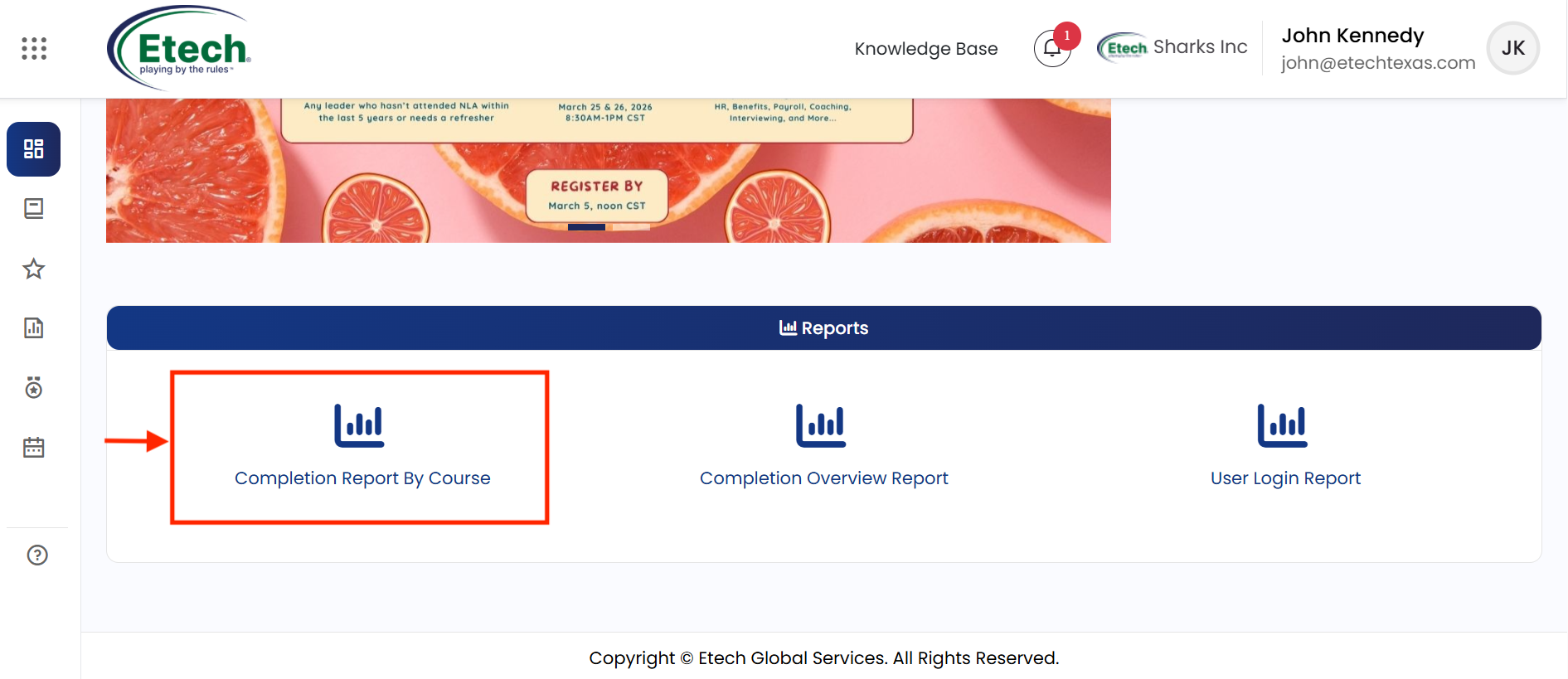
What the Report Shows
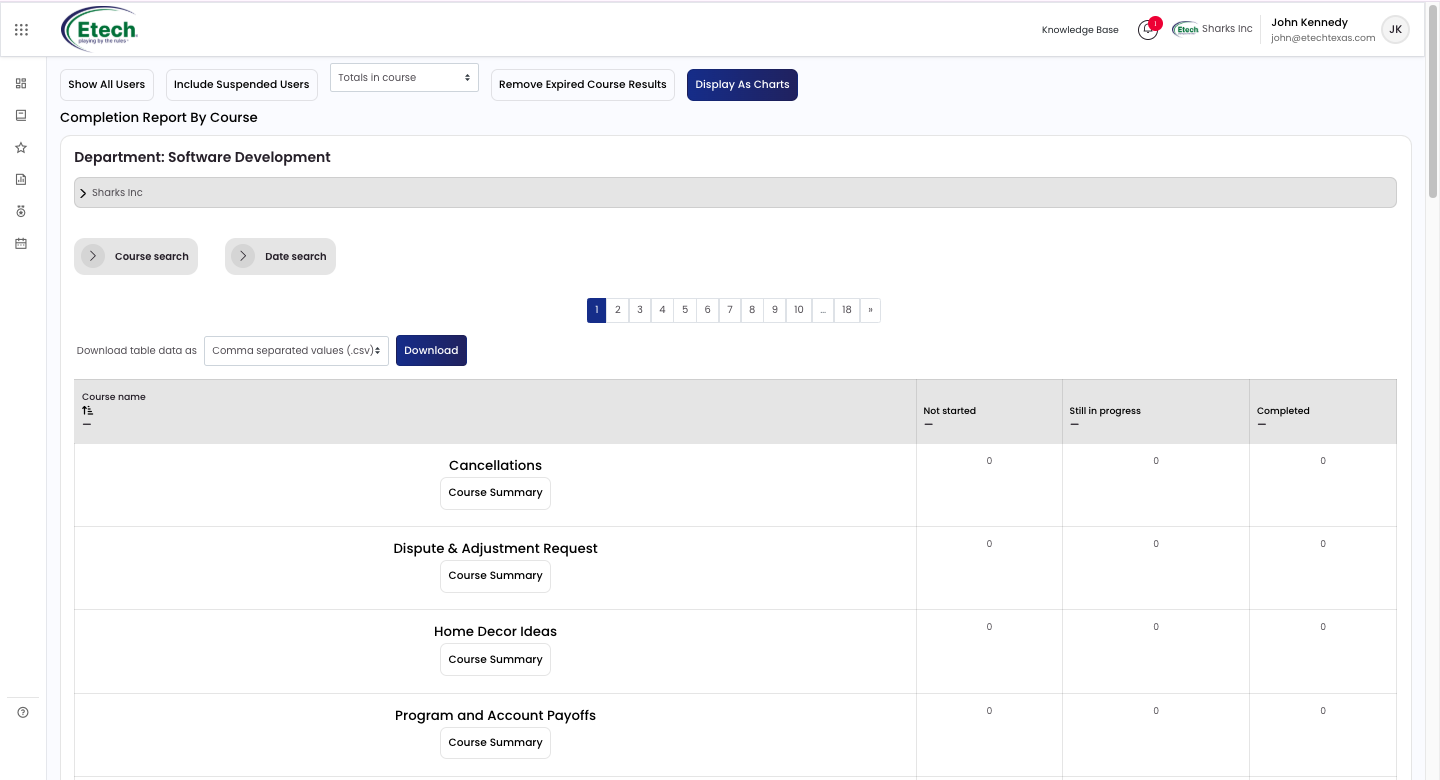
For each course, the report displays how many users have completed it and how many are still in progress. If your company uses licenses, it also shows how many users have not yet started, the number of active licenses, and the number of inactive licenses.
Filter Options
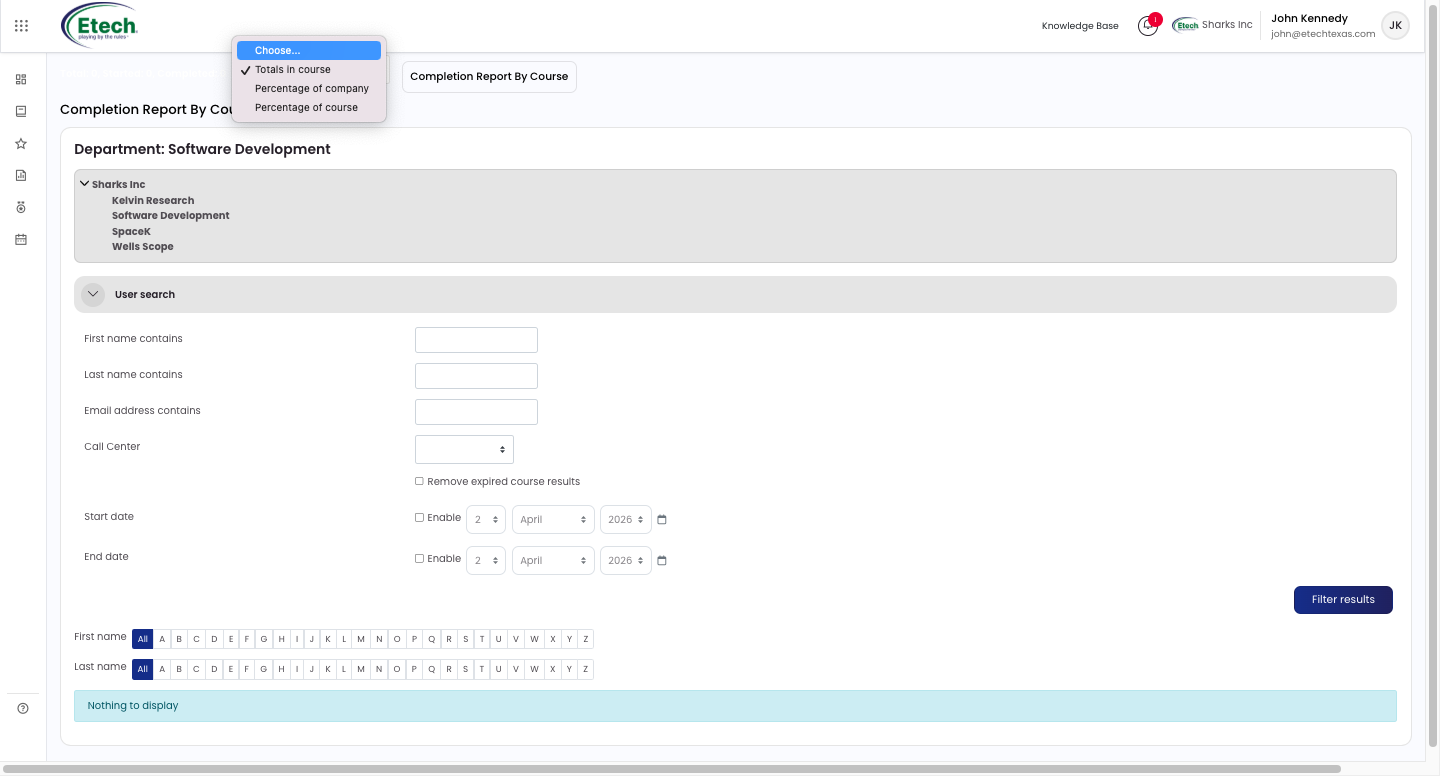
- Show All Users — displays results for all users across all company courses.
- Include / Remove Suspended Users — adds or excludes suspended users.
- Remove Expired Course Results — excludes results where training has expired, based on the valid training length set in Manage IOMAD Course Settings.
- Show Company Summary — displays the overall summary for the selected company.
- Display as Table / Charts — toggles between a data table and a pie chart view.
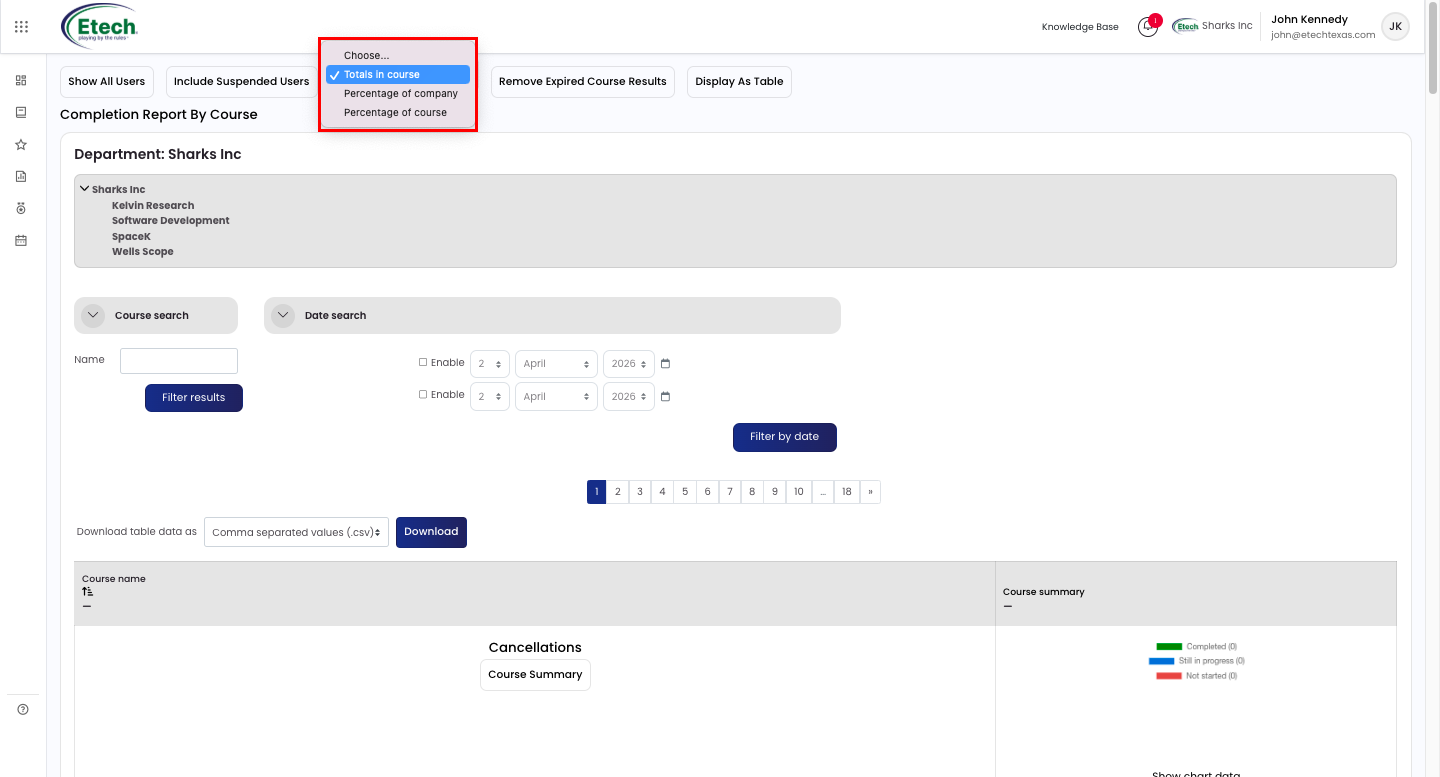
- Display Format — choose from Totals in course, Percentage of company, or Percentage of course.
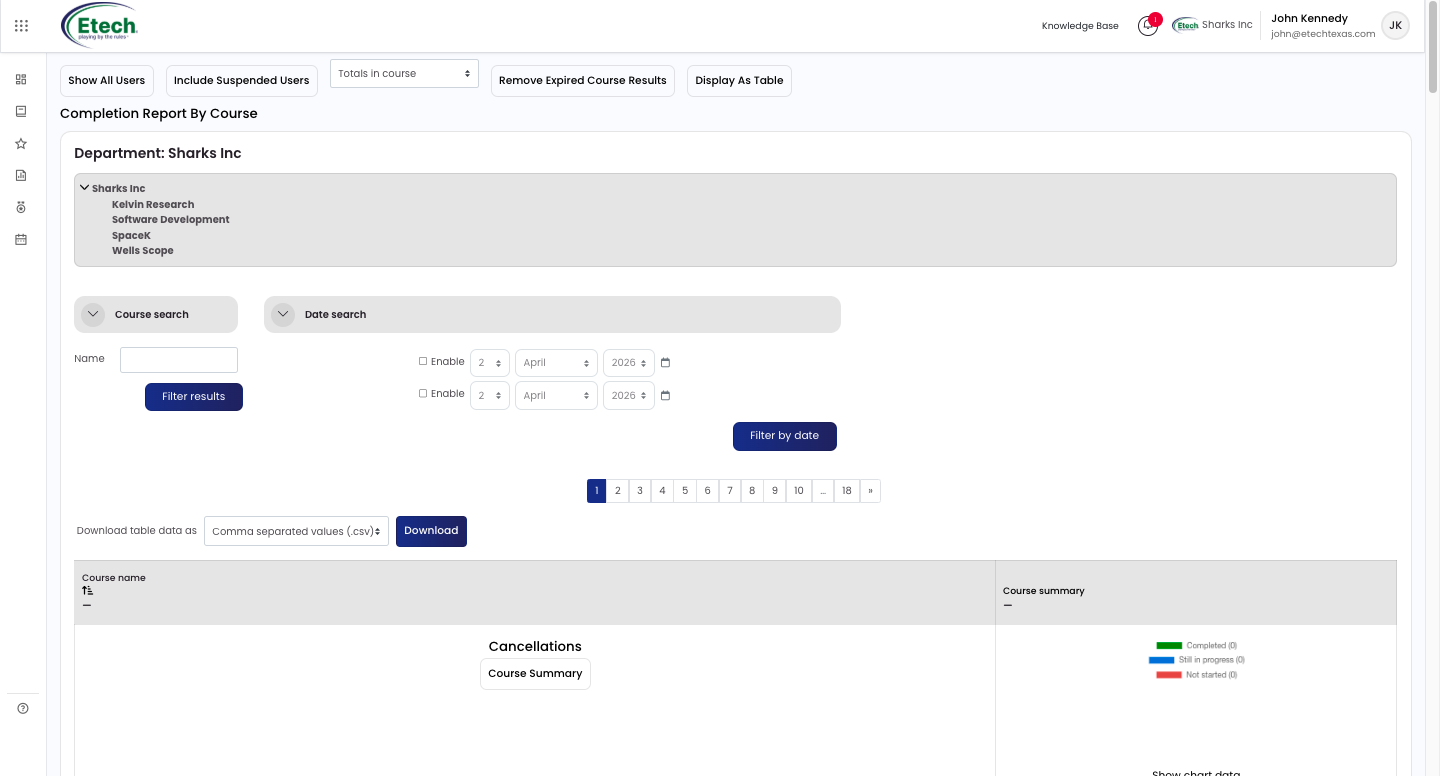
Course Summary
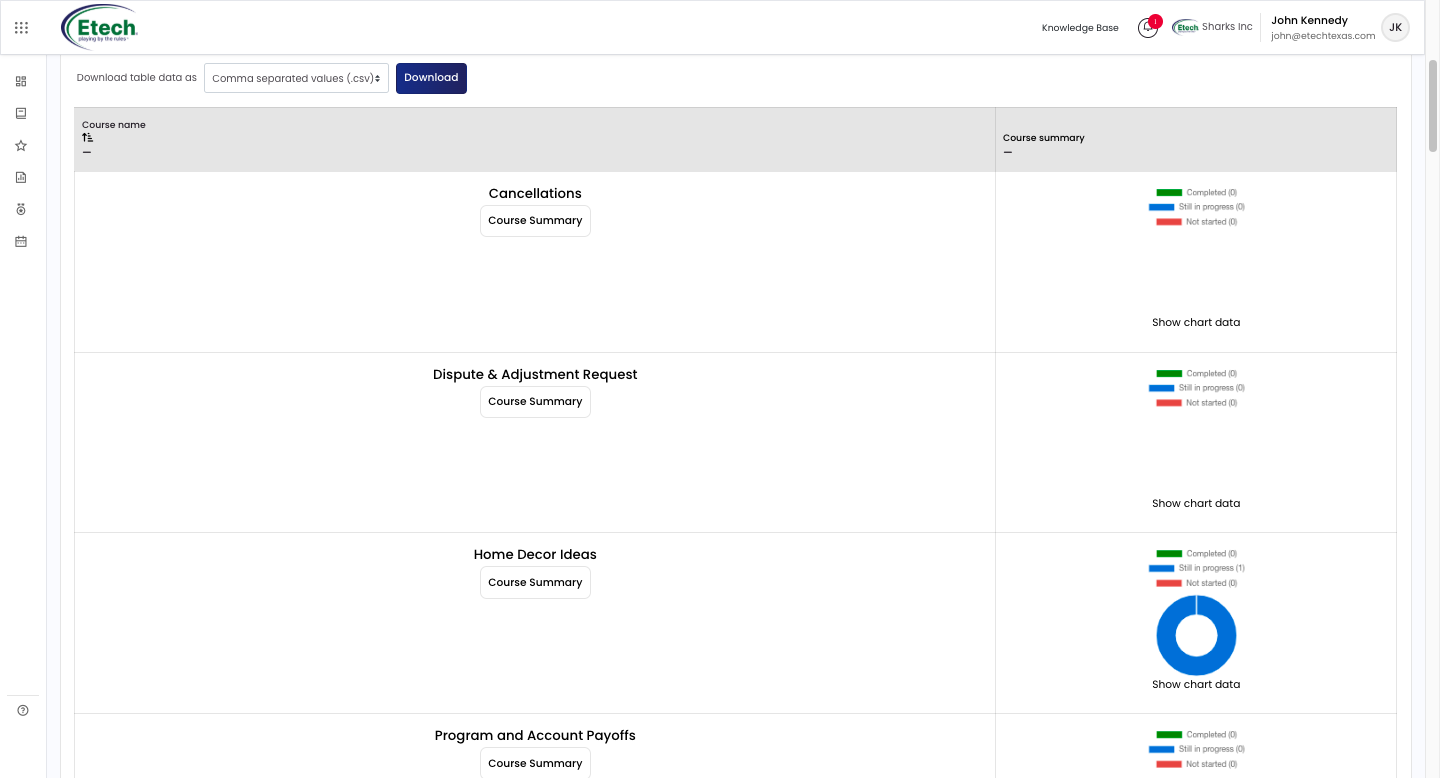
Click the Course Summary button on any course row to view per-user completion details. Fields shown include: First/Last name, Department, Email address, Status (Not started or percentage complete), License identifier, License allocated date, Date started, Date completed, Valid until, Grade, and a Certificate download link.

Video