 Global Services
 The Report Viewer role gives designated users read-only access to reporting tools within EtechRU. These reports provide visibility into training activity, course completions, user login history, and license usage across your company.
Accessing Reports
- Log in to EtechRU using the Report Viewer role and navigate to the dashboard.
- Scroll down to the Reports section and select the report you wish to view. The available reports will depend on the company you are enrolled in.
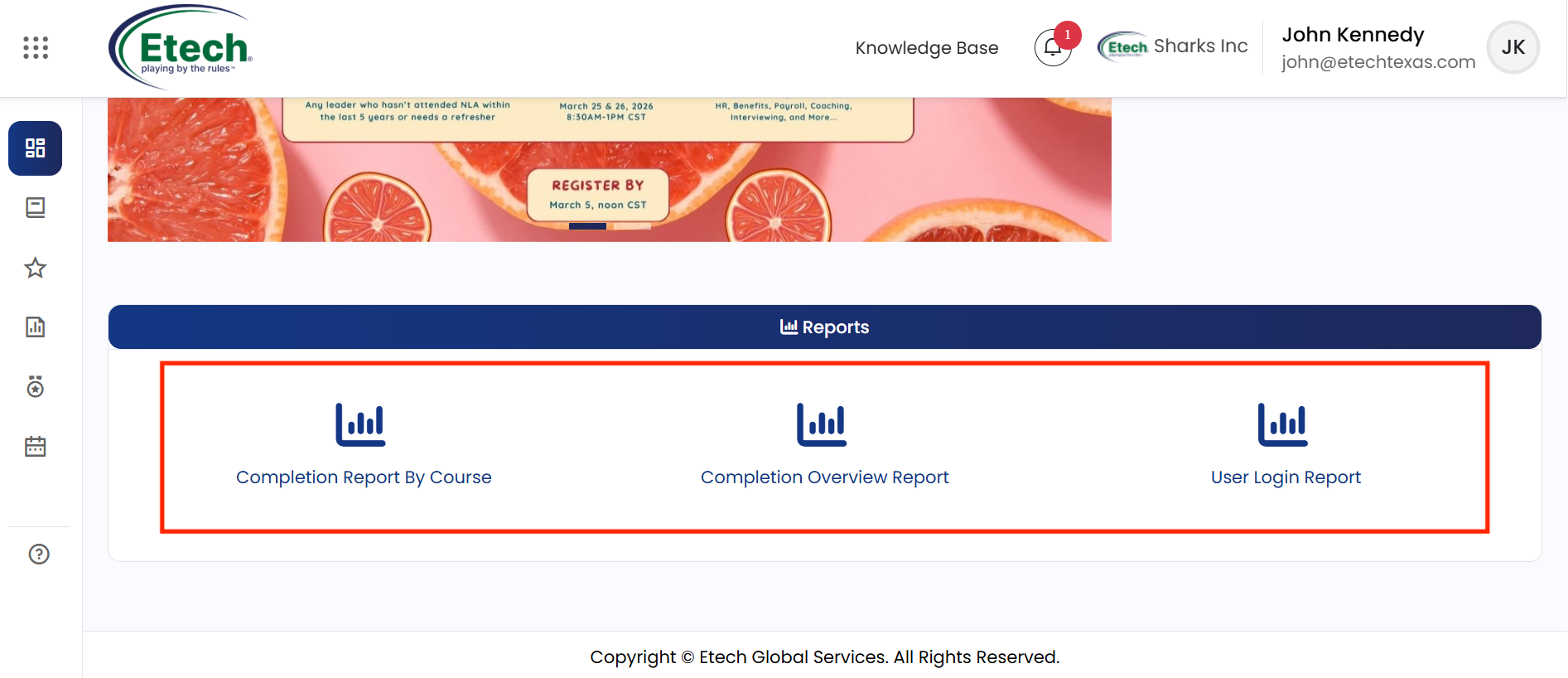
The available reports include:
- Completion Report by Course
- Completion Overview Report
- User Login Report

Video