 Global Services
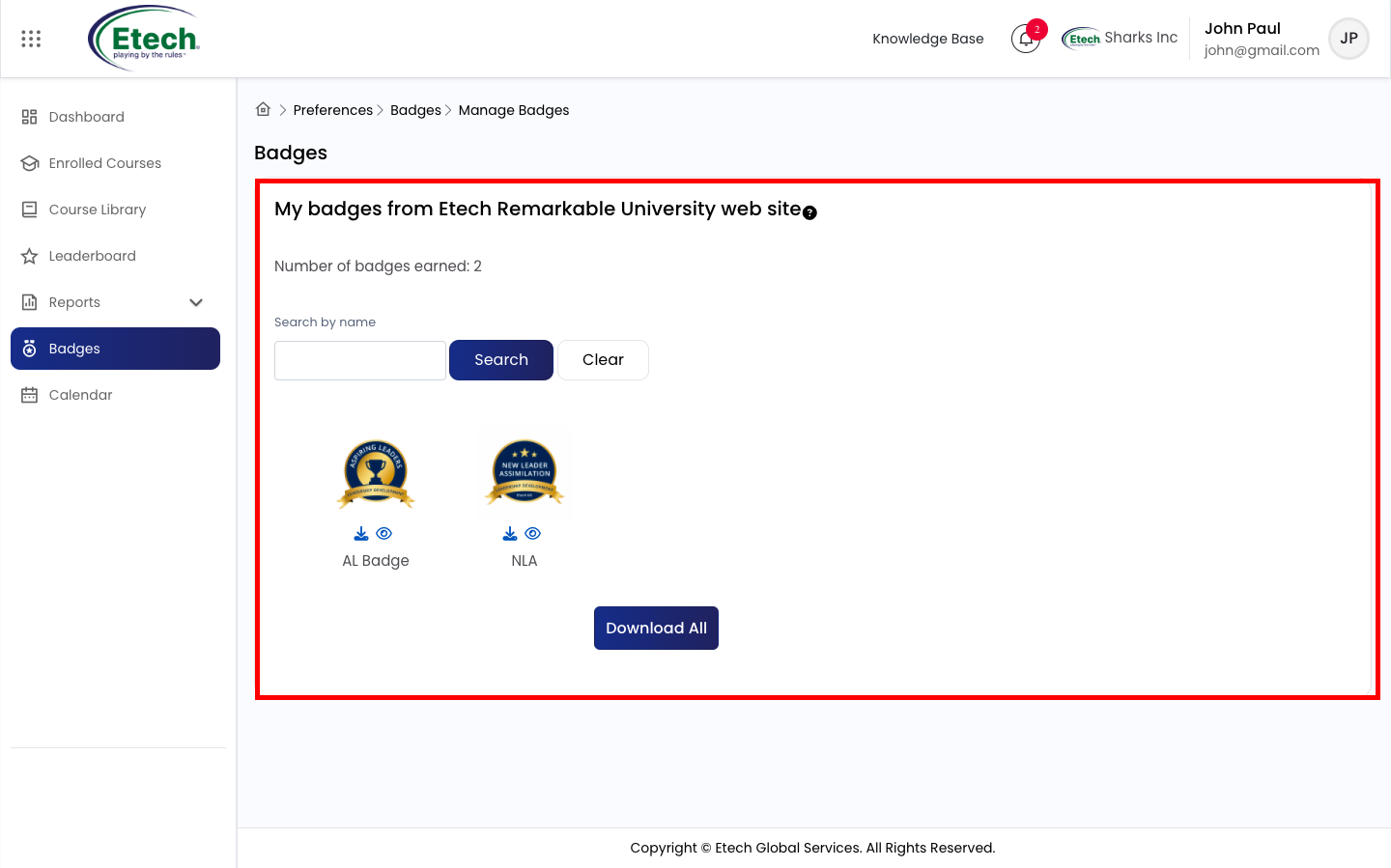
 Badges are digital awards that recognize your learning engagement and course achievements. As you complete courses and reach key milestones on EtechRU, badges are automatically awarded to your profile — serving as a visible record of your dedication and progress.
How to View Your Badges:
- Click Badges from the left navigation menu.
- Browse all earned badges displayed on your profile. User can view and download using action buttons given as needed.
- To download a full list of your badges, navigate to Reports > Badge Report.
Tip: Badges grow with your progress, the more courses you complete, the more achievements you unlock.

Video