 Global Services
 The Etech Remarkable University (EtechRU) platform allows users to securely access their learning environment through a simple login process.
- Open the EtechRU portal
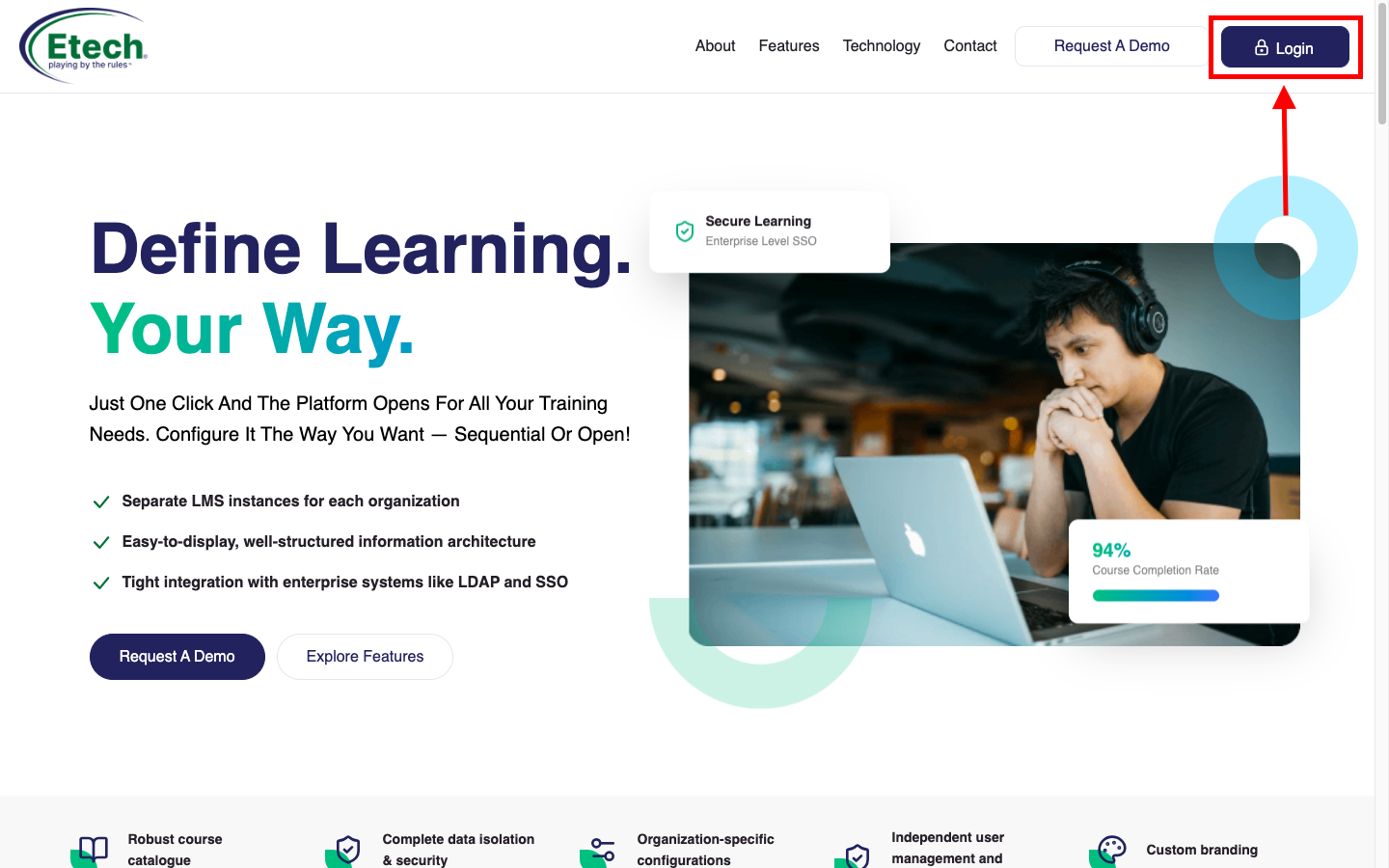
- Click on the Login button located in the top-right corner of the page
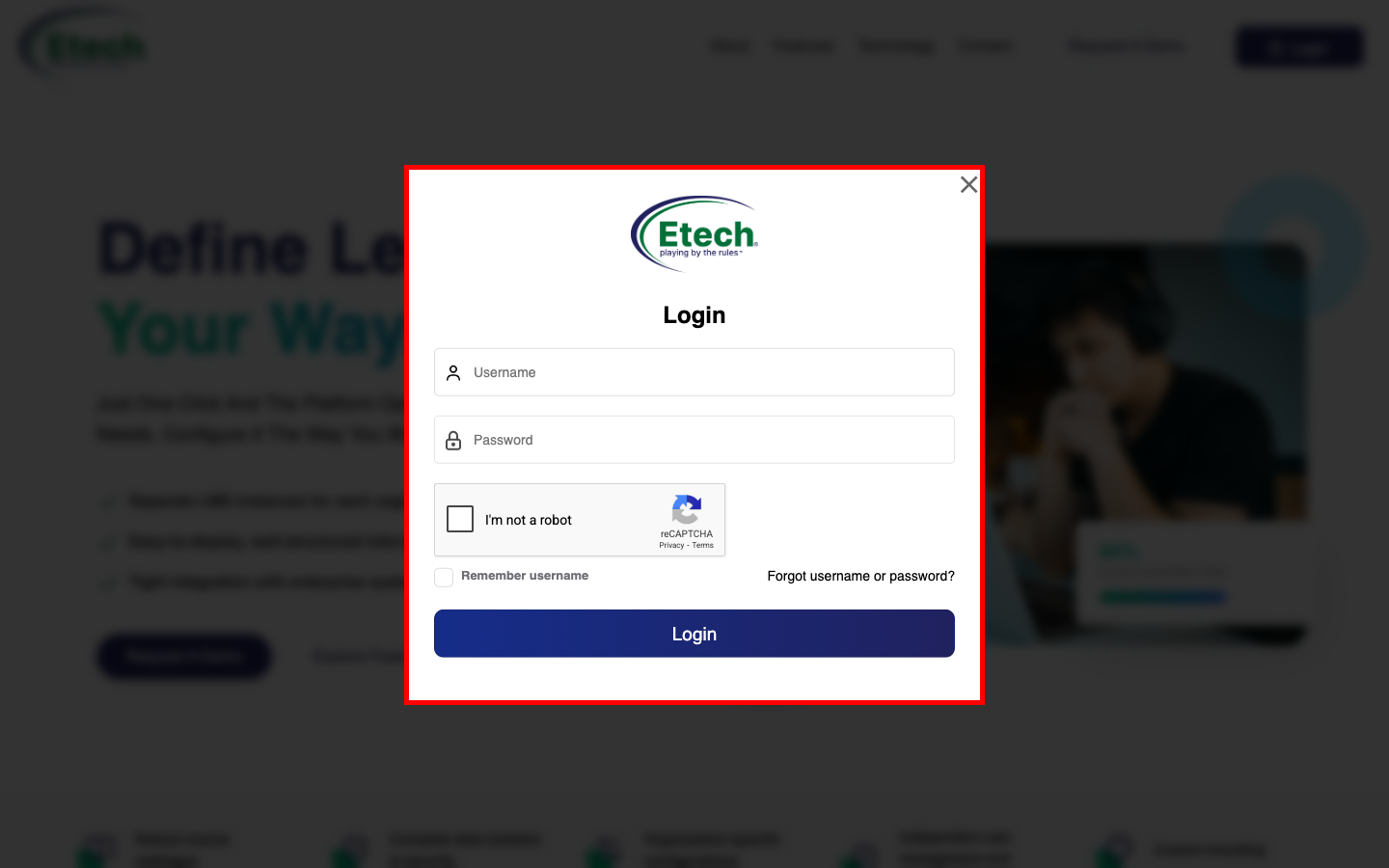
- Enter your username and password in the login wind
- Complete the CAPTCHA verification (“I’m not a robot”)
- (Optional) Select Remember username for quicker access in future
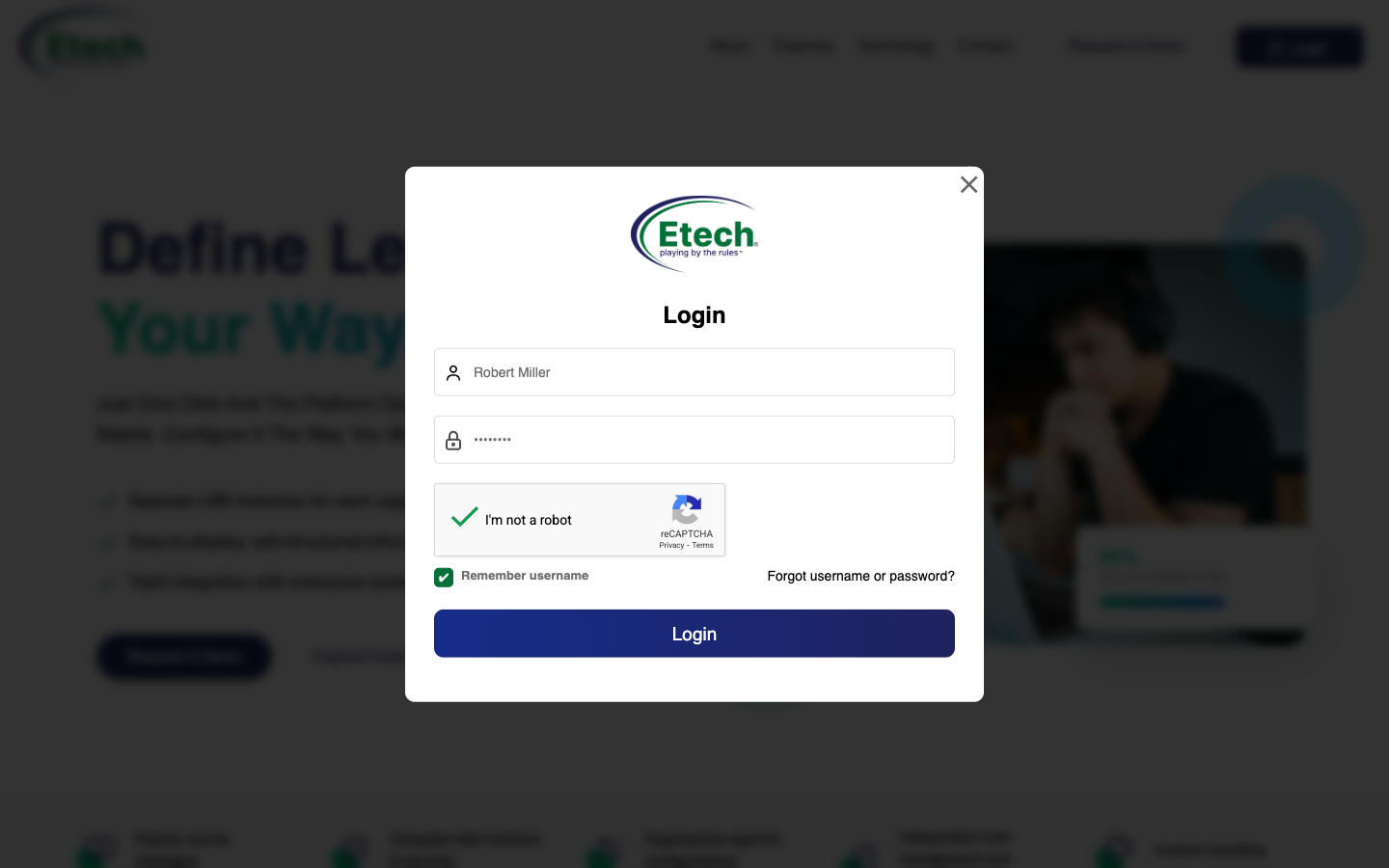
- Once you have entered your username, password, completed the CAPTCHA verification, and selected “Remember username” (if required), click the Login button to proceed.
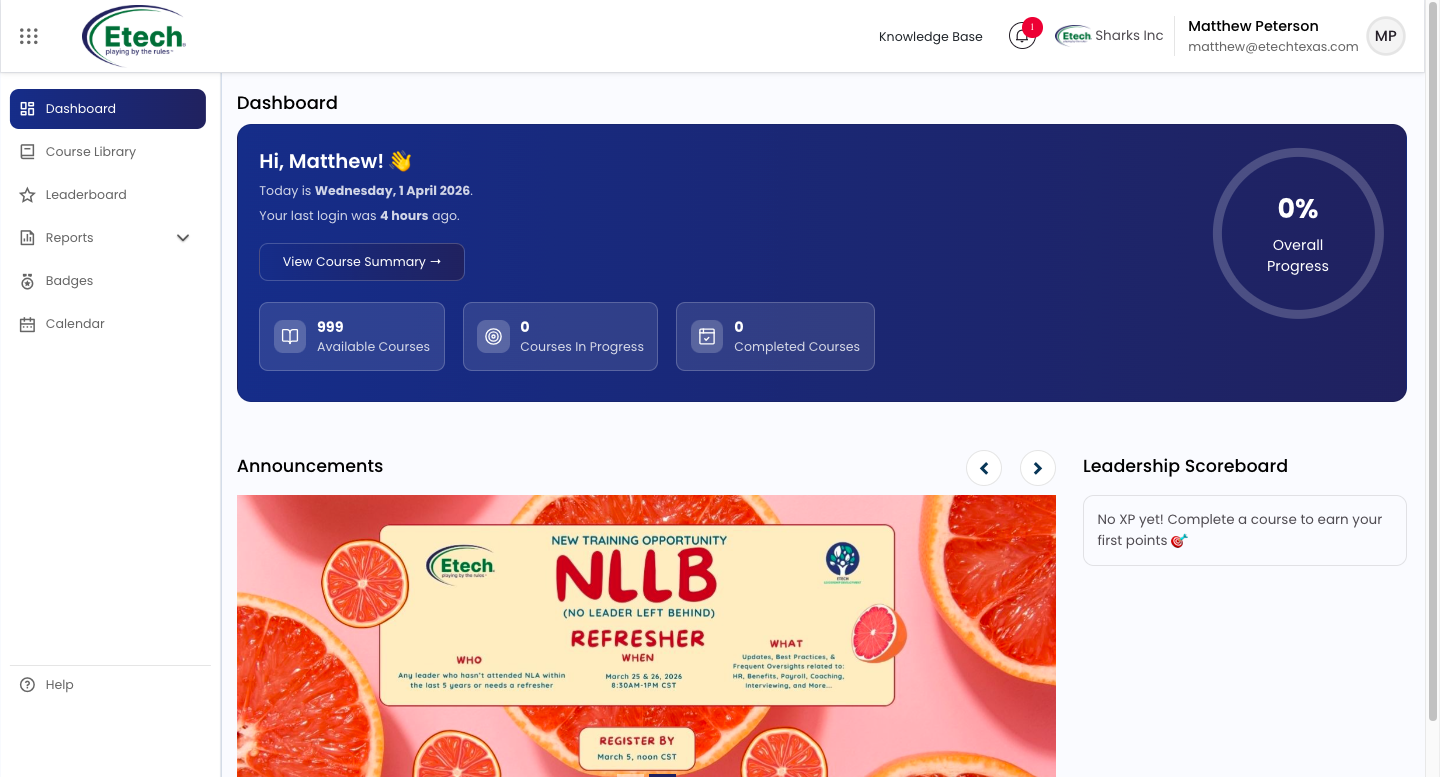
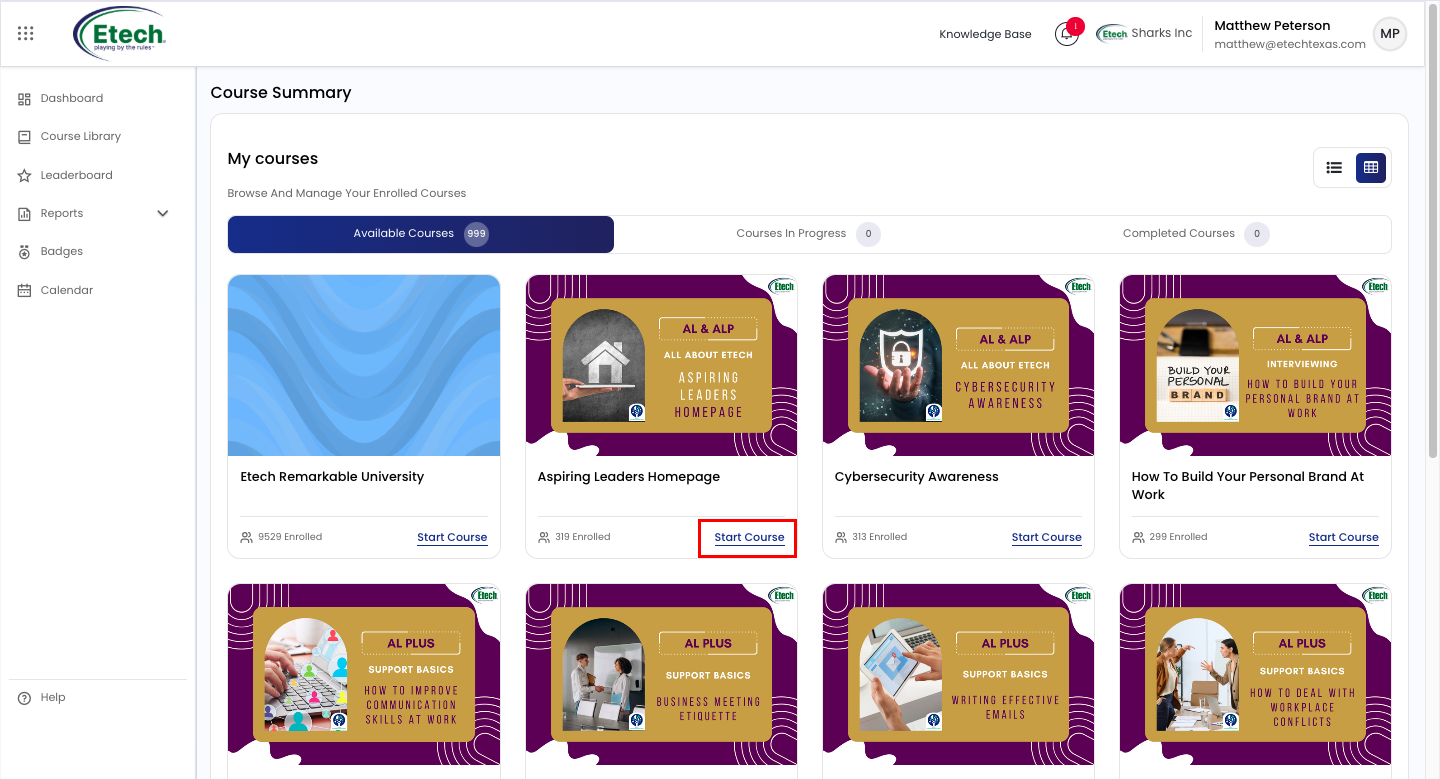
- Click View Course Summary to access detailed insights into your course progress and performance.

Video